Free product photo tools for your online shop.
Remove the background from a product photo, or resize one to marketplace and social media sizes, for free, with no watermark and no sign-up. A product photo maker is being built.
- Free to use
- No watermark
- No sign-up
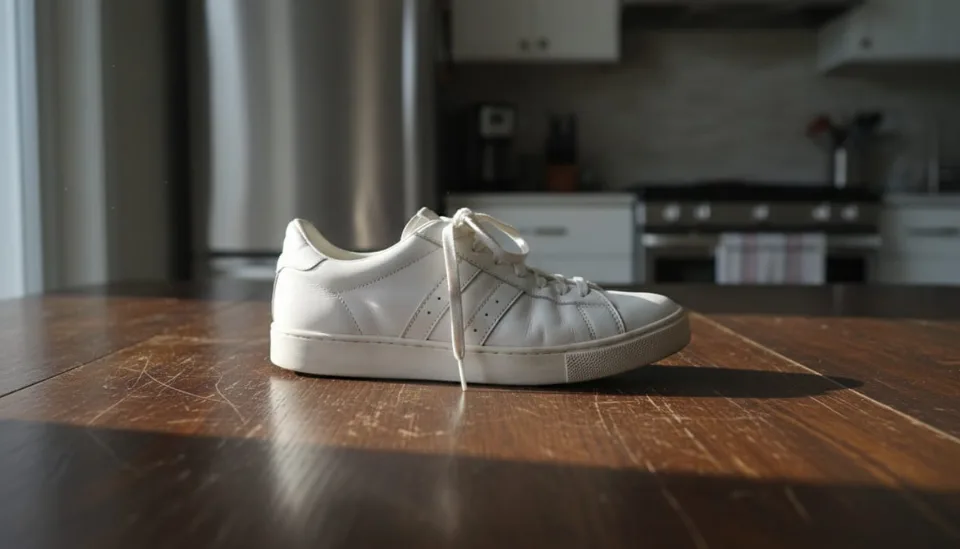
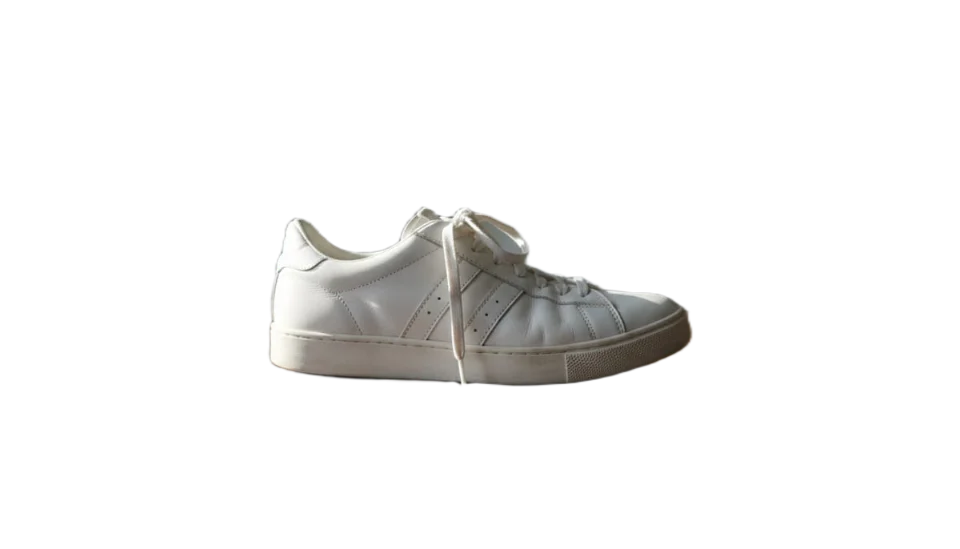
Tools for your listing photos
The marketplace resizer and the background remover are free to use now; a product photo maker is being built.
Marketplace resizer
Fit a photo to a marketplace or social media size and download it.
Background remover
Lift your product off its background and download it as a transparent PNG.
Design editor
Put pictures and text on a page of any size, and export a PNG, JPEG or WebP.
Product photo maker
It is planned to set your product on white or a colour, with a soft shadow, at a marketplace size.
Coming soon

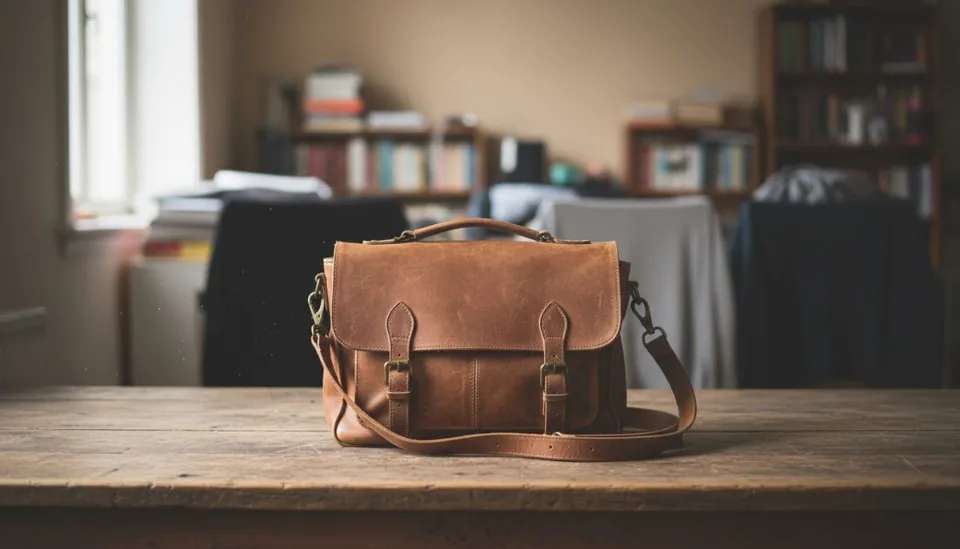
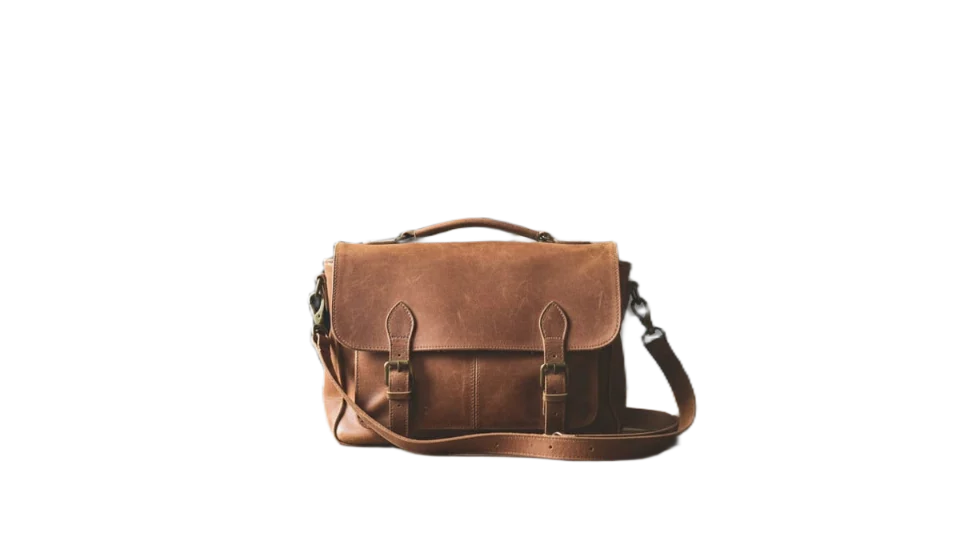
How it works
Drop a photo
Drag a JPEG, PNG or WebP onto the page, or pick one from your phone or computer.
Cut out the product
The background remover takes the background away and gives you a transparent PNG.
Download the right size
Pick a marketplace or social media size and download a PNG or JPEG at exactly that size.
How PixSnappy is different
Many free online photo editors add a watermark, ask for an account or cap what you can download. PixSnappy does not.
| Topic | Typical online editors | PixSnappy |
|---|---|---|
| Price | Full-size downloads are often on a paid plan | Free at full size |
| Account | Often needed before you can download | No account |
| Watermark | Common on free downloads | No watermark |
| Limits | Credits or daily caps are common | No credits or daily caps |
Questions and answers
Short answers about cost, watermarks, phones and sizes.
Is it free?
Yes. The tools are free to use: no watermark, no account and no credits to buy.
Is there a watermark?
No. The photos you download have no watermark.
Do I need an account?
No. There is no sign-up and no login. Open a tool and drop in a photo.
Does it work on a phone?
The marketplace resizer is built to work in a phone's browser; we have checked it at phone screen width.
Which sizes are supported?
Common marketplace and social media sizes, plus plain square, portrait and landscape. Where we have checked a size against the platform's own published guidelines, the tool shows the source and the date we checked it. Sizes we have not checked yet are marked as unverified.
Which file types can I use?
JPEG, PNG and WebP photos. You can download a PNG or a JPEG.
Start with the photo you have
The marketplace resizer is ready: drop a photo, pick a size, download.